
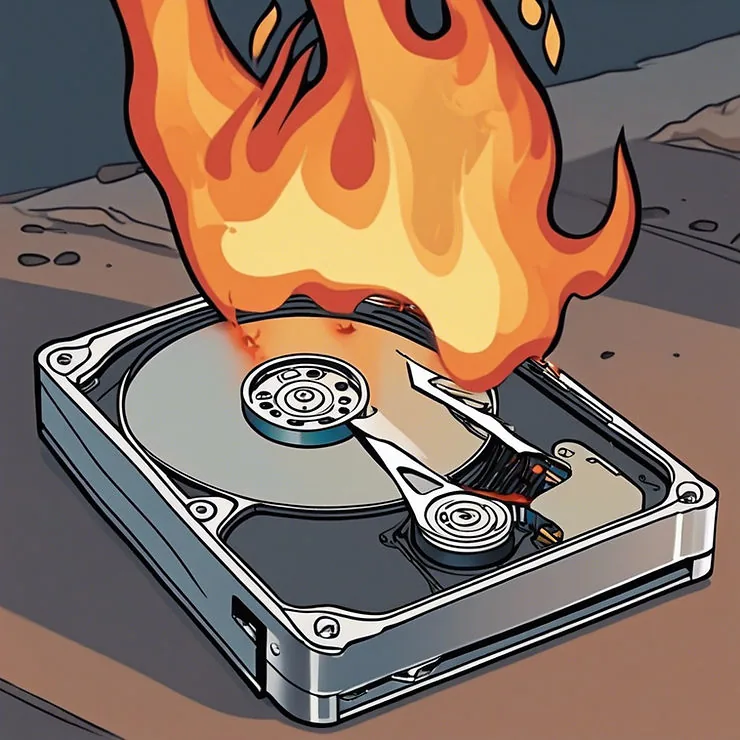
That sinking feeling when files vanish or a drive stops working is awful, but what you do in the next few minutes often decides whether your data comes back. The single most important rule: the less you do to the drive, the better your chances. Here's how to react.
First, figure out which situation you're in
There are two broad cases, and they call for very different responses:
- The drive still works: the PC turns on and you can browse files, but something was deleted, formatted, or lost.
- The drive has failed: it's clicking or grinding, isn't detected, or the PC won't boot from it.
If the drive still works (deleted or lost files)
- Stop saving anything to that drive. Deleted files aren't erased right away. They sit there until something new overwrites them. Every download, install, or save lowers your chances.
- Check the Recycle Bin and any cloud or backup copies first.
- Don't install recovery software onto the same drive. That can overwrite the very files you want back.
- The sooner it's recovered, the more comes back.
If the drive has failed (clicking, not detected)
- Power it off and leave it off. Repeatedly powering a failing drive on and off can turn a recoverable problem into a permanent one.
- Do not run DIY recovery tools on a physically failing drive. It can finish it off.
- Never open the drive yourself; that needs specialized equipment.
- Get it to a professional who can image it safely, sector by sector.
Why professional recovery works better
Professional recovery starts by making a careful, low-stress image of the drive, then recovers your data from that image, so the fragile original isn't put under more strain. For mechanical failures especially, that approach saves data that DIY tools would destroy.
The best protection is a backup you've tested
Once you're past the scare, set up an automatic backup (an external drive plus a cloud copy is ideal), and occasionally check that you can actually restore from it. For businesses, this is part of our managed IT service.
Files gone or a drive acting up?
Don't keep using it. Bring it to us and we'll give you an honest recovery assessment.
The service itself: data recovery at $400 flat with no fee if it fails, plus what to do first when files vanish.
What to do in the first ten minutes
If a drive has stopped being readable and it holds the only copy of something, the next few minutes matter more than anything you do afterwards. Power it off. Every additional minute a failing drive spends spinning is more of the surface it can damage, and recovery gets harder and more expensive with each attempt.
Do not let Windows format it when it offers. That prompt means the file system is damaged, not that the data is gone, and formatting is one of the few things that genuinely destroys it. Do not run repair utilities either. A tool that fixes a logical error will happily write over a physically failing platter.
Logical versus physical, and why it changes everything
A logical failure means the hardware is fine and the map to your files is damaged: a bad delete, a corrupted partition table, a failed format. The data is usually all still there and reachable with the right software.
A physical failure means the drive itself is dying. Clicking, buzzing, spinning up and down, or not being detected at all. This needs specialized hardware that reads the drive sector by sector, slowly and carefully, rather than software that assumes it can just ask.
You can usually tell them apart by ear. A silent drive that mounts but shows nothing is logical. A clicking one is not.
What it costs here
Data recovery is $400 flat with nothing to pay if we cannot get your files back. That is deliberately one number rather than a range, because a quote that moves after somebody has your drive is not a quote. Pick-up and return across the Edmonton area is $50.
Some places advertise less. Ask two questions before you commit: whether the price covers physical recovery or only logical, and what happens if they fail. A cheap evaluation that turns into a four-figure quote once they have your drive is a common and unpleasant surprise.
The version of this that never happens
Everything above is the expensive path. The cheap one is a backup that somebody has actually restored from, not a copy nobody has tested, which is a different thing wearing the same word. If you have never restored a file from your backup, you do not yet know whether you have one. Our recovery page exists because plenty of people find that out the hard way.
Got a problem like this one?
Tell us what it’s doing and we’ll tell you what it costs. Quotes are free.